
In my Style & Design course, I developed a comprehensive personal brand system. I learned how to craft cohesive visual elements, ranging from color palettes to typography. Using Adobe software, I designed logos, business cards and digital assets like LinkedIn and website headers. This project strengthened my design skills and gave me hands-on experience creating a unified brand identity.
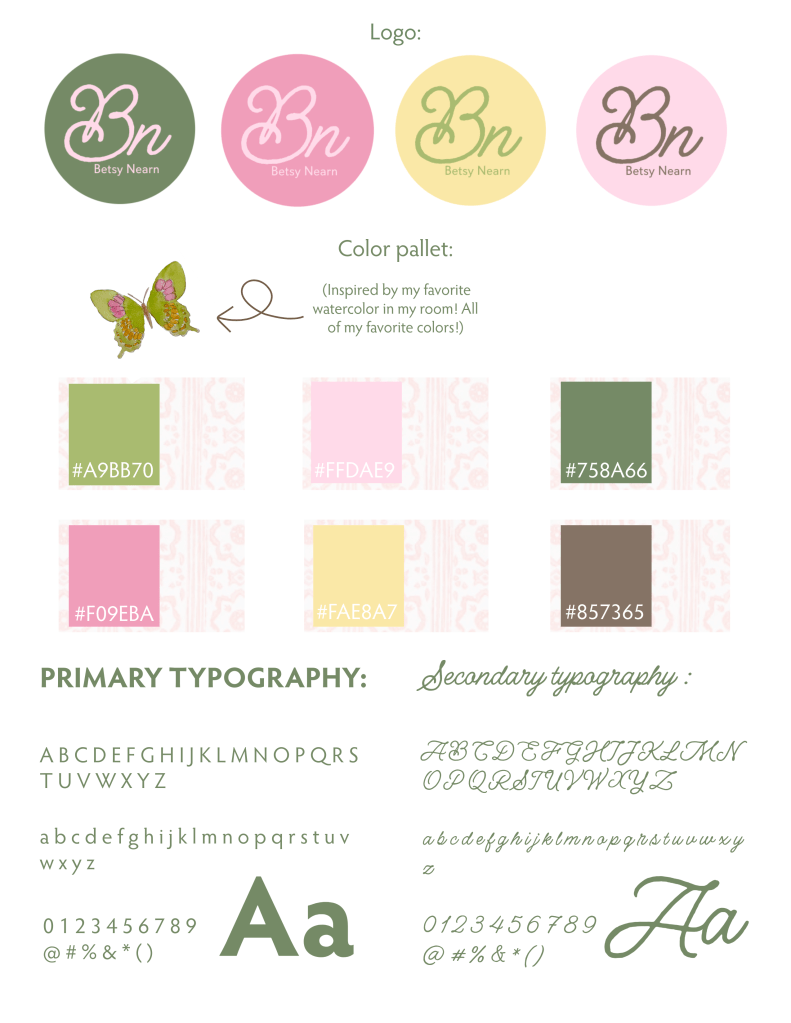
I wanted my branding suite to show who I truly am: someone who is creative, nostalgic and loves soft pastels and bright colors. My color palette is based on my childhood bedroom, which was predominantly pink and green. It also includes colors inspired by my favorite butterfly watercolor in my current room. My primary typography is chosen for legibility, while my secondary typography is used as a girly statement font for my logo “Bn.” In the design process, I considered visual hierarchy, balance, color theory and proper representation of who I am. I mainly used the light pink (#FFDAE9) and dark green (#758A66) because of their congruence and reflection of me.
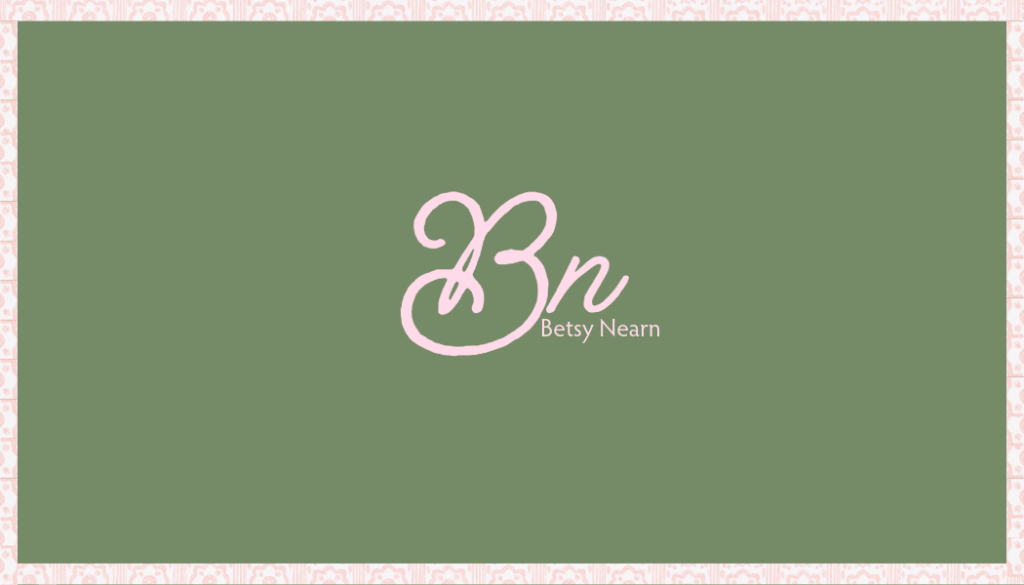
The front of my business card reflects the neat side of my personal brand. It incorporates the fun, creative side of my personality through the girly pink font. The pattern used for the border also adds to this creativity. I used pink and green to represent my personality, while keeping the layout visually simple and unique to me.
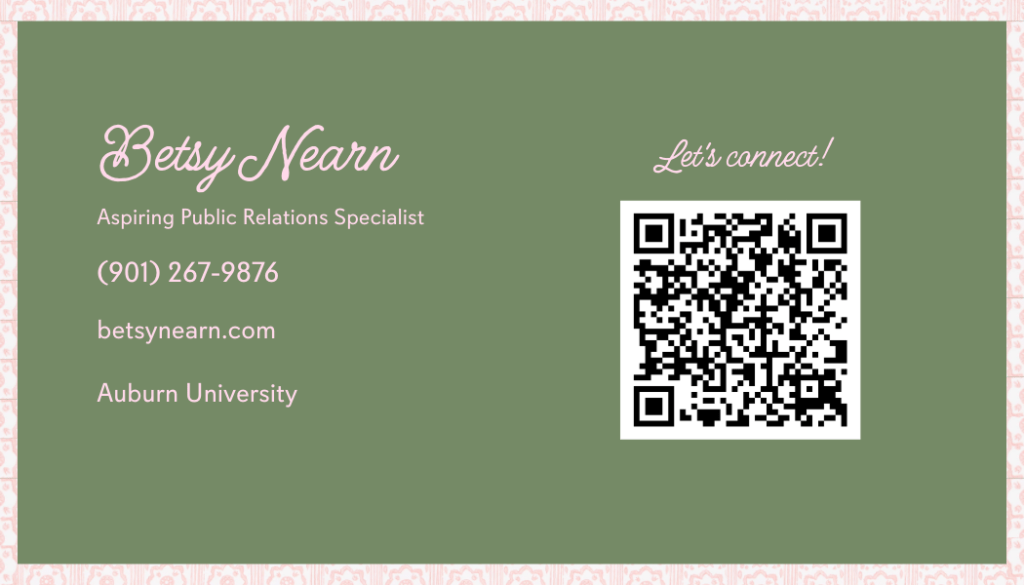
The back of my business card lists my contact information. It also has a QR code that provides convenient access to my LinkedIn profile.
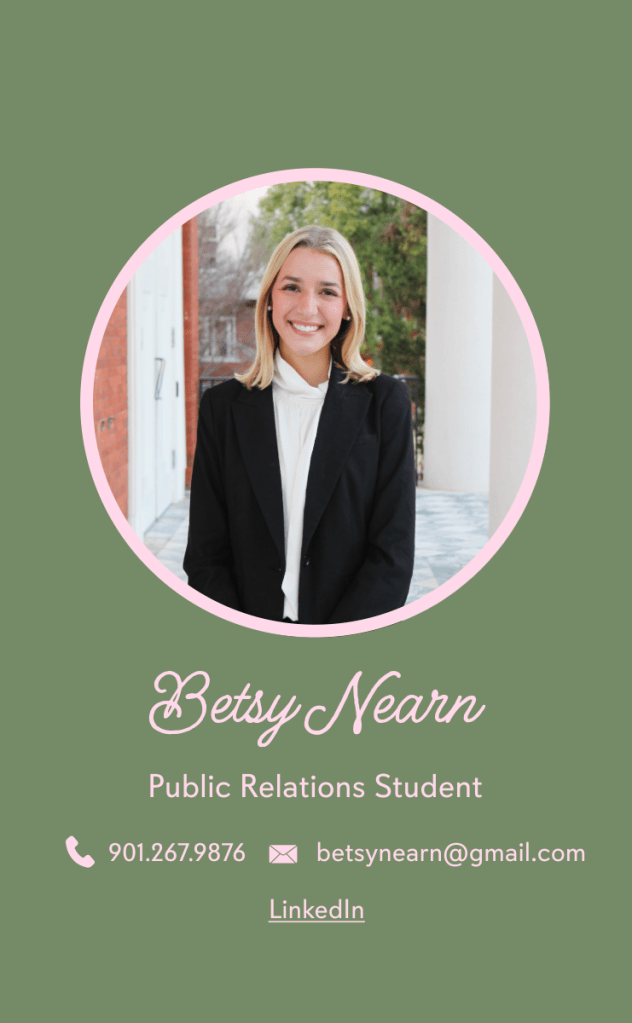
My digital business card includes a visual representation of who I am through my professional headshot. It holds my contact information and an embedded link to my LinkedIn profile.
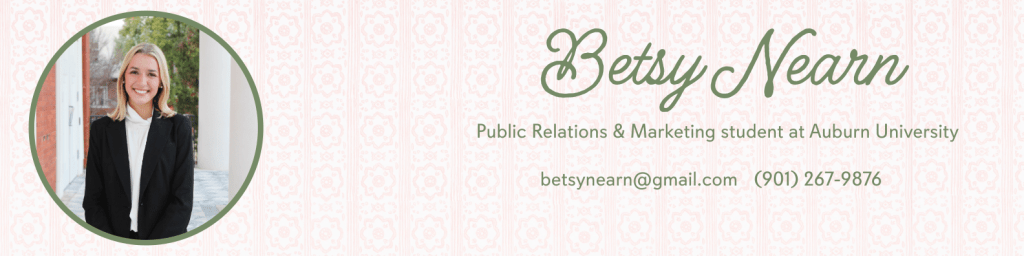
Through Adobe Help Tutorials, our class learned how to make LinkedIn headers through templates provided in Adobe platforms. I utilized my pattern but faded it for more legible words. I also incorporated my contact information for others’ convenience.
This website header was created in Adobe Express as a mock-up to the one I created here on WordPress. I learned how to use the template provided in an Adobe Help Tutorial.
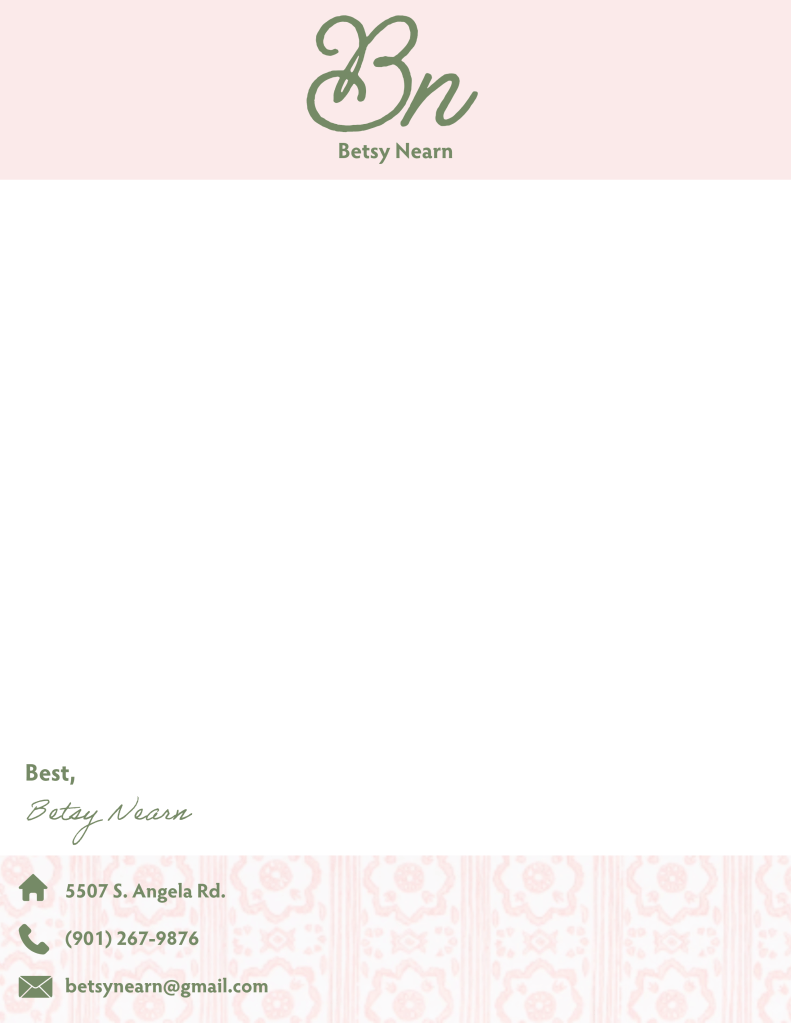
My cover letter was designed to stay true to me, using the pink pattern at the bottom. The solid pink at the top creates a cleaner, more simple look for a more professional cover letter. I incorporated my logo, contact information and signature to give a personal touch.
 Betsy Nearn